
Table of Contents
With Anchurus II we have adopted a policy that people working on site use paper forms to record the archaeology. We have done this because, as a voluntary sector organisation, our people are learning to be archaeologists and writing paper records makes for a better learning environment. It allows people to write drafts, make changes and it allows supervisors to review the written evidence and have conversations about what was and should have been written.
The rest of this page enables you to learn about and download these forms.
| Thing | First character of the identifier | Comment |
| Site | 2 or 3 characters based on the site name | |
| Excavation area | EA | |
| Contexts | C | C12450 |
| Sections | S | S01 |
| Plans | P | P86 |
| Finds | F | See finds |
| Special finds | FS | See finds |
| Boxes | B | B003 |
| Anomalies (Geophysics, Lidar, maps) | A | |
| Interpretations | Inter | |
| Database queries | Q |
Identifiers
Recording an excavation requires you to record a large number of different things. This includes: the site itself, may be a site survey grid, the excavation areas, contexts, sections, plans, finds, special finds, boxes for finds and more.
Every one of the above should have a unique identifier and, using Anchurus II, all identifiers take the form of 15 alpha-numeric characters; they are treated as text fields. The format of these 15 alpha-numeric characters is not defined by or policed by the system.
However, in order to reduce the cognitive load on everybody associated with the excavation, it is recommended that the first few characters of an identifier should indicate the type of thing it references as shown in the table below.
Most of the information recorded in the forms described below will end up in an Anchurus database which can record details of many sites. For this reason, identifiers for excavation areas, contexts, sections, plans, finds. special finds, anomalies, interpretations are unique within a site and can be reused between sites. For example, you can have site BC context C234 and site WM context C234. This constraint is policed by the system.
Site Identifiers
All these forms records details of a site so before you can fill in any form you need to know the site identifier (SiteId). This is typically a 2 or 3 character mnemonic recorded in the Written Schema of Investigation (WSI) for the site.
Site or excavation area registers
Excavating a site involves laying out excavation areas. If you have a large open excavation then you may choose to subdivide it into small areas or you can identify archaeological features such as ditches, pits and record them as excavation areas. You then start excavating contexts, drawing context plans, taking context photographs and drawing sections.
Anchurus II supports recording by offering templates for:
- Context registers
- Photograph registers
- Section registers
- Plan registers
- Find registers
Project leaders are encouraged to download these templates and print off pages for their registers.
It is up to the project leader to decide whether they have a binder of registers for the site or for each excavation area. Furthermore, they may not need some of these registers, because they have equipment that records register information; for example, a camera that allows you to record photograph details.
The rest of this section introduces the templates for these registers.
Context register template
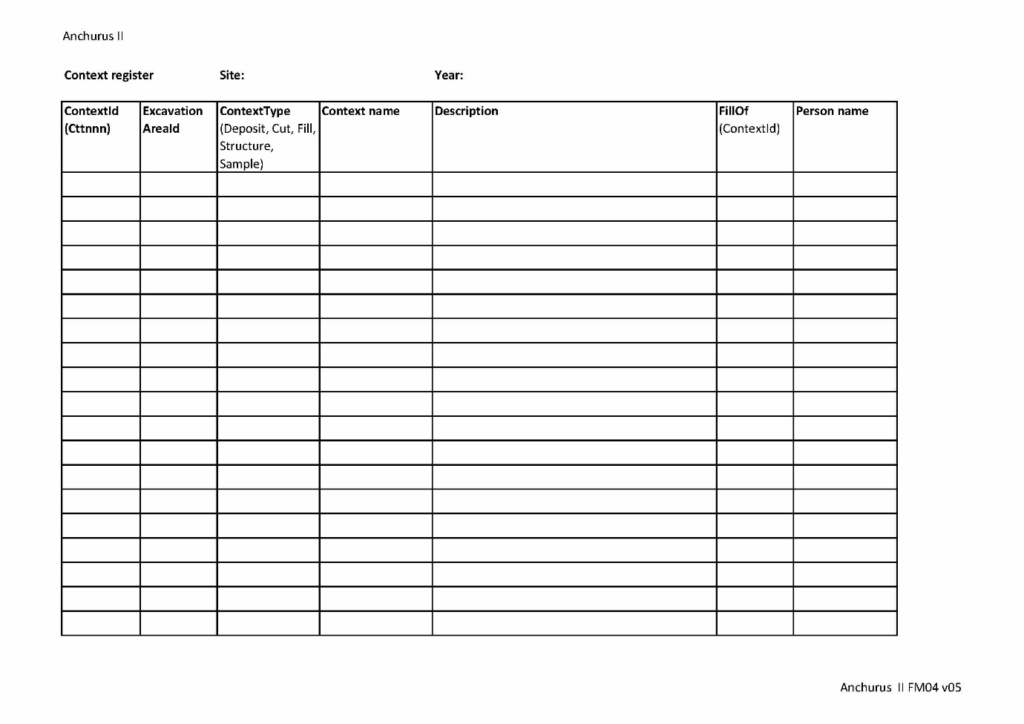
A context is the smallest unit of excavation recorded on a site.
As you excavate a site, so you identify and record many contexts and record them on context forms. Each context has a context identifier which is allocated when the context is identified and remains unchanged while the context is excavated and throughout post excavation.
The allocation of context identifiers can be controlled and recorded using a context register. In some excavations, a project leader may choose to have a site level context register, in others, they may choose to have a different context register for each excavation area.
The figure above shows the Anchurus II context register template.
Spot height register template
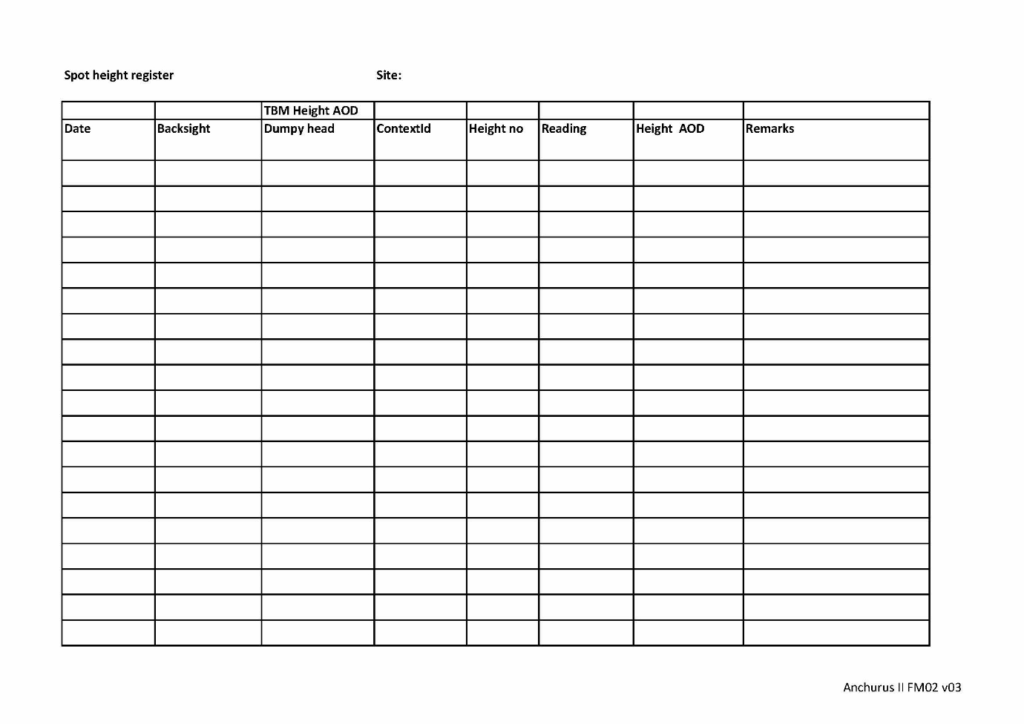
When you record a context plan, a section or a special find, you should record spot heights. Spot heights are usually taken using a dumpy level, although on some sites you could be using a Total Station. You should not be using a GPS (Global Positioning System) because the level of accuracy can be ±20mm which about the depth of a context. If you are using a Dumpy Level then you need to record a back sight to a known bench mark, and a fore sight to the points whose spot height you are recording.
Anchurus II provides a spot height register template (see above).
Photograph register template
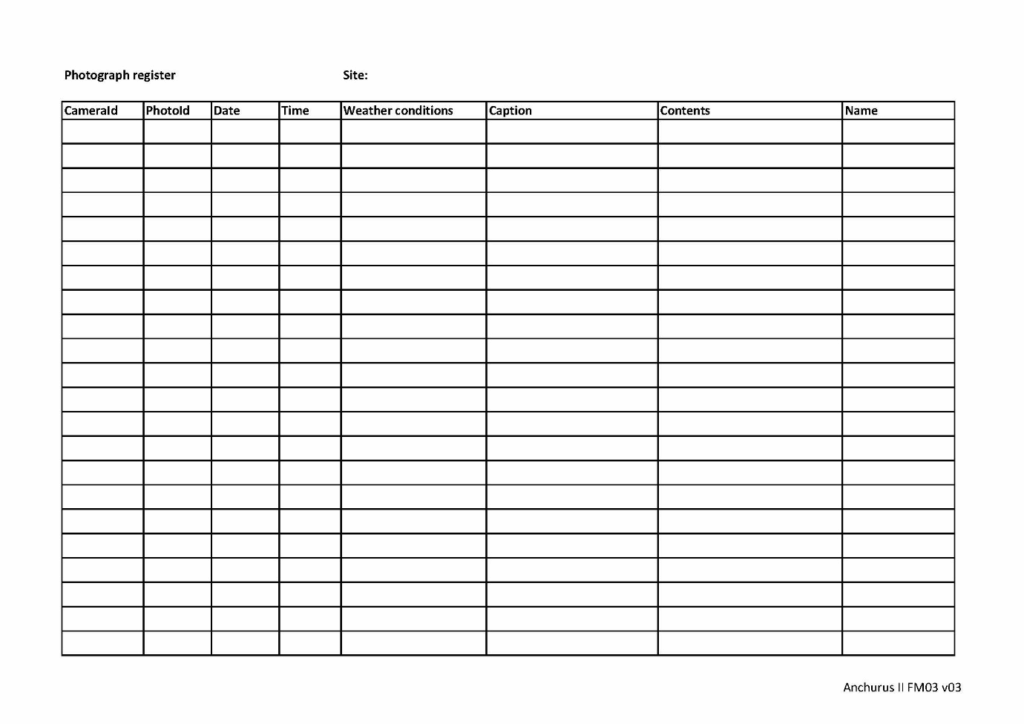
As contexts are recorded on a context form, it is useful to take photographs of the context. Digital cameras hold one photographs per file. In support of this, Anchurus II provides a photograph template which you can download, put in a file and use to record details not recorded in the camera.
The figure above shows the photograph register template.
Finds “bulk going off site”register template
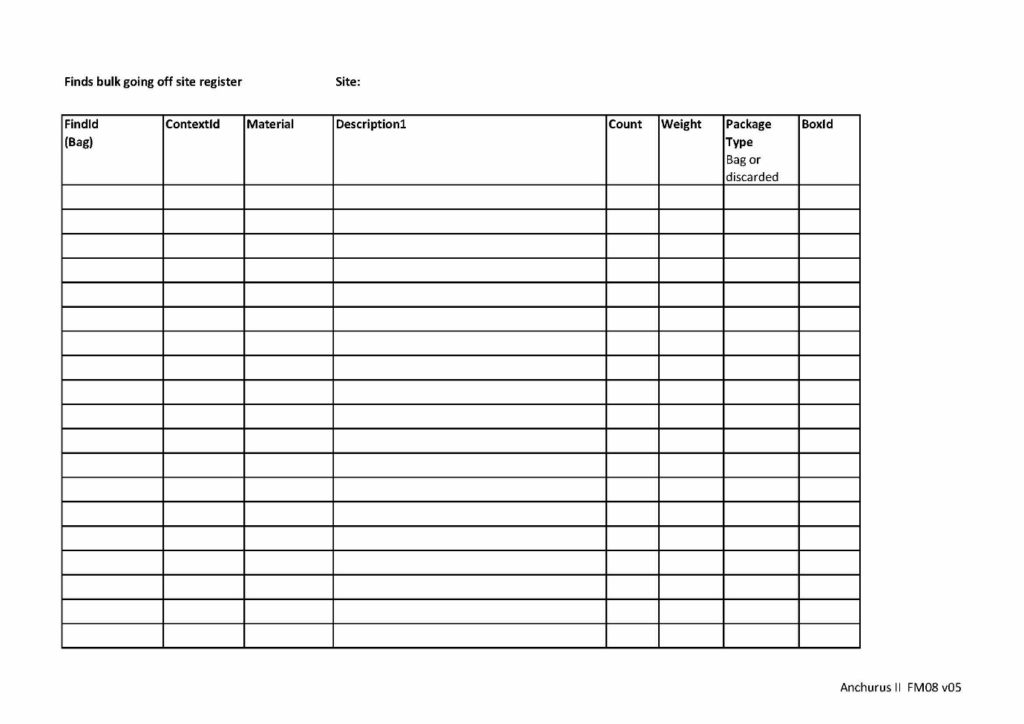
Find is a term applied to all artefacts, building materials, industrial residues, environmental material, biological remains (including human remains) and decay products (Introduction, Chartered Institute for Archaeologists).
Bulk finds are finds that are found as you dig a context and are put in a finds tray. This differentiates them from special finds (see below).
Anchurus II supports a “bulk going off site” find register that you use to record finds you take off site so that you know that all the finds that left the site have arrived in post excavation. Once finds arrive in post excavation so the real work of registering and re cording finds can begin.
If the site has discard policies so that masses of material which has little archaeological value can be left on the site when you leave (see the Site WSI), you should record discarded bulk finds in this register.
Special finds register template
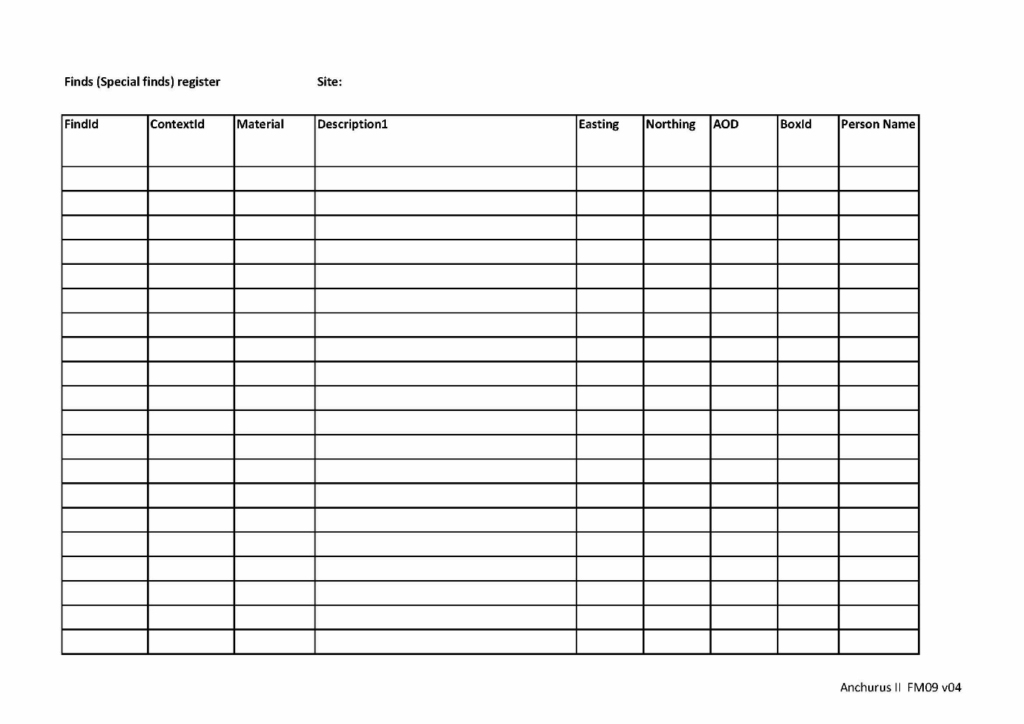
A special find is a find that is designated by the project leader or you, working as a digger, considered to be special in which case you record what it is and exactly where within the excavation it was found.
In support of this activity, Anchurus II provides a special finds register template.
Box register template
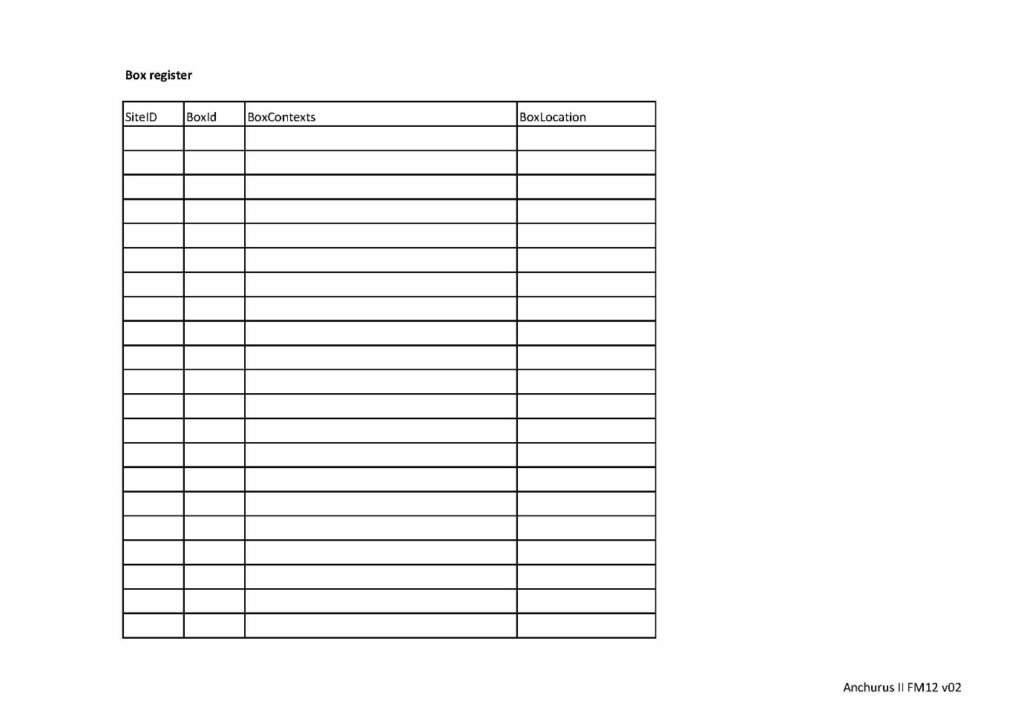
In Anchurus II, the term box covers all find containers from a 9 litre plastic box to a carefully wrapped find on a wooden pallet.
Within Anchurus II boxes are treated so a site has a dedicated set of boxes dedicated to its finds. The box register template is shown above.
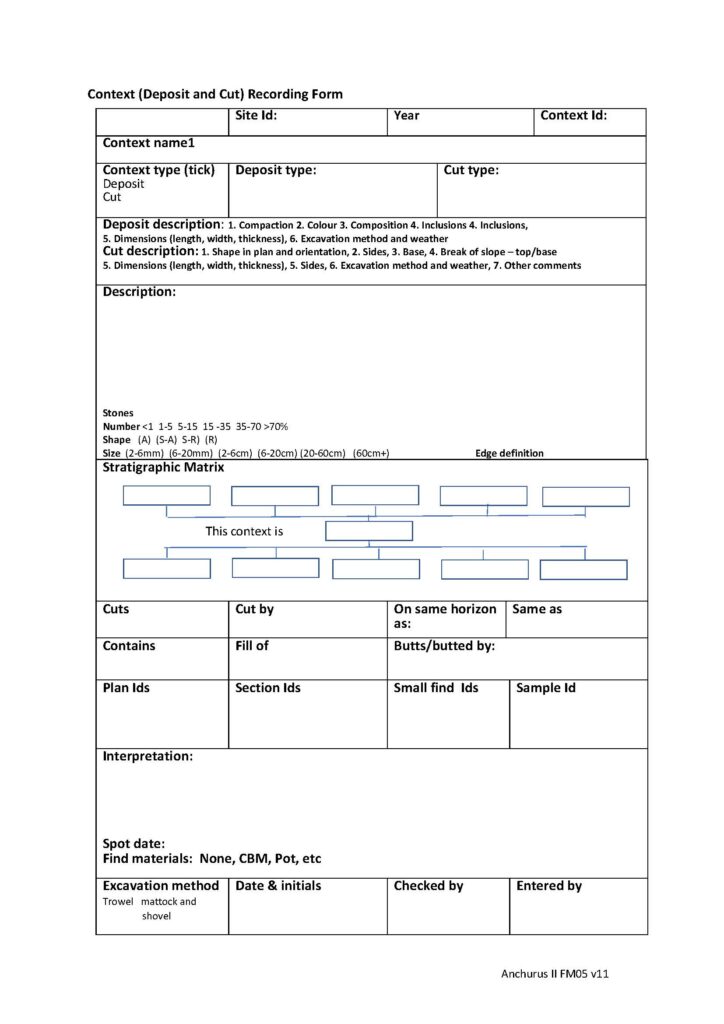
Context deposit and cut recording form template
A deposit is a layer of soil and inclusions that has been identified as being different to the contexts above, below and abutting this context. A fill is a deposit found within a cut; you record it as a context.
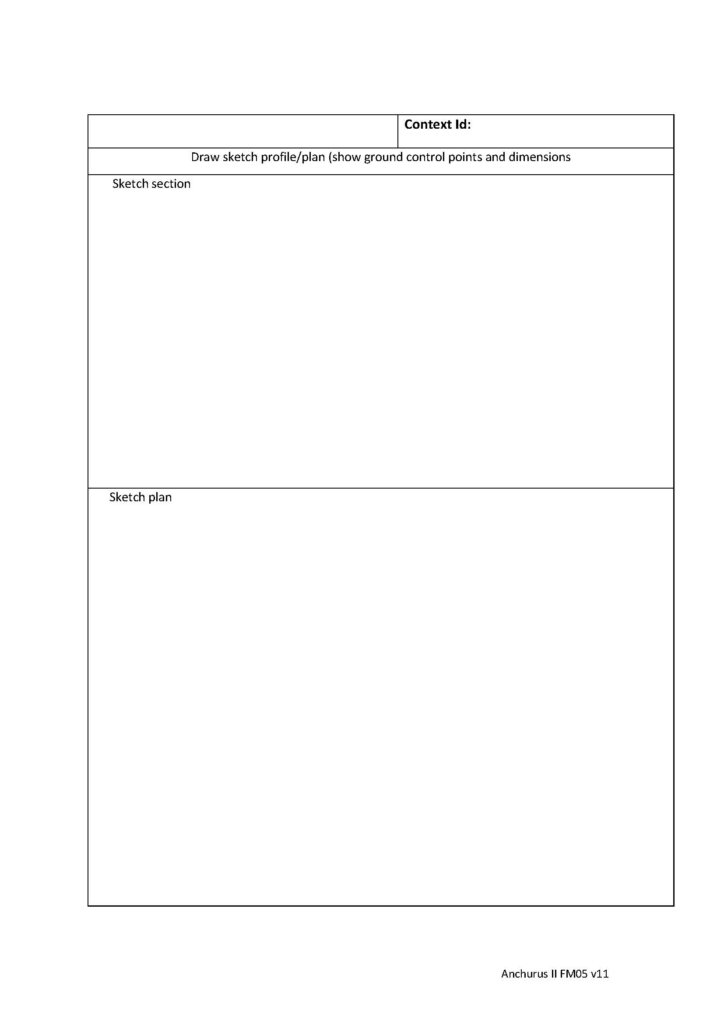
You use this form to record a single deposit or fill context. You record details of the soil and its inclusions; its stratigraphy and sketches of sections and plans together with workflow information.
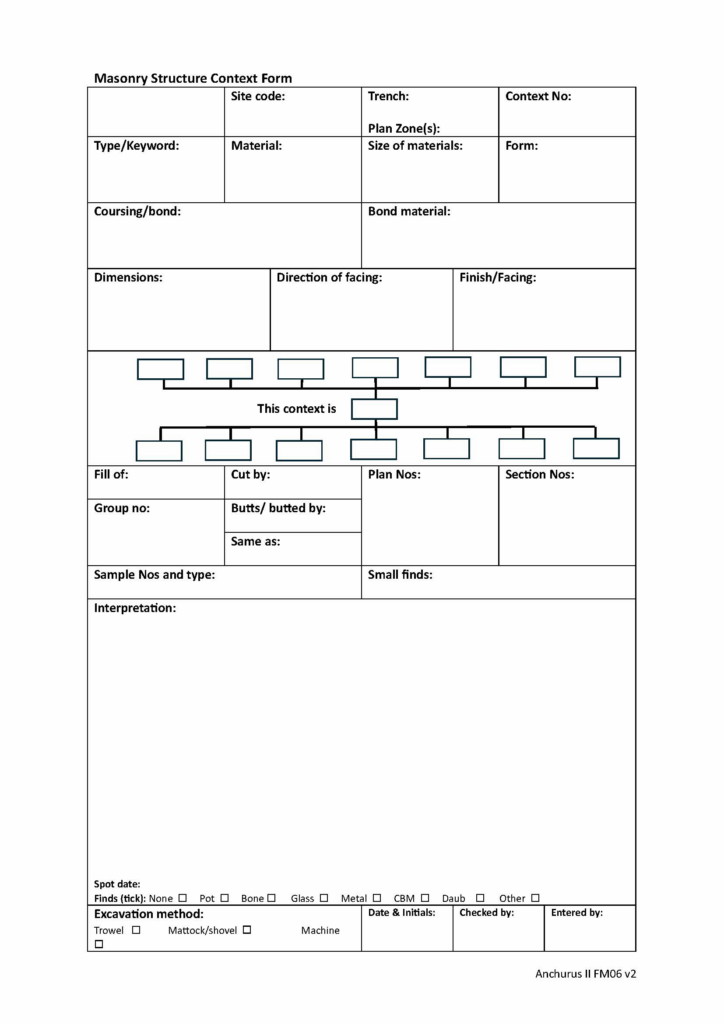
Context masonry structure recording form template
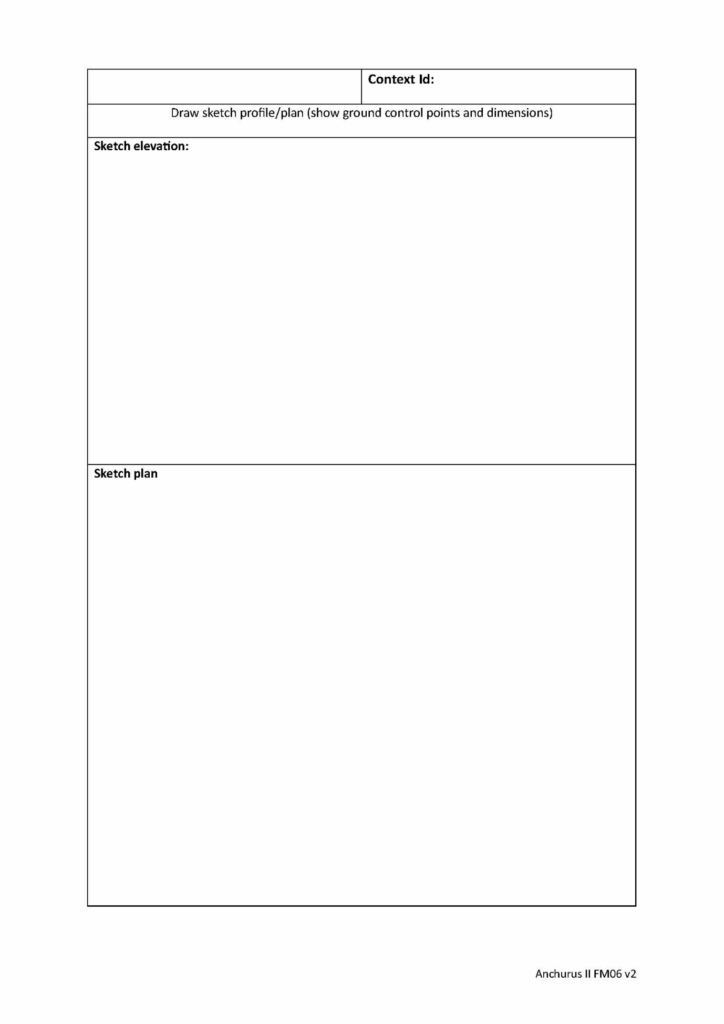
You use this form to record masonry structures. This is a context form so you use it to record one and only one context. For the structure, typically a wall, you record the materials it is made of, the courses of material, the bonding materials, the stratigraphic relationships between this context those around it, sketches of sections and plans and workflow information.
Andrew Hutt
November 2025